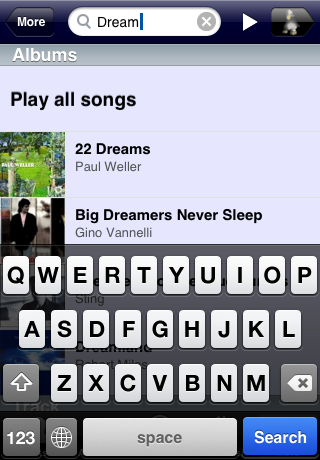
I’m happy to announce the availability of iPeng 1.1, the second “major” release of iPeng, your ultimate Squeezebox™ remote.
While the 1.0.x releases were mainly focusing on bug fixes and minor enhancements, iPeng 1.1 will bring some more fundamental changes:
iPeng goes SqueezeNetwork
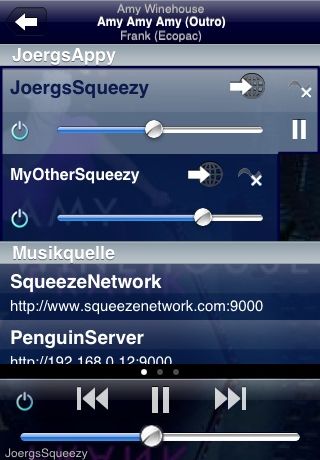
Long awaited by those of you who don’t operate their own serve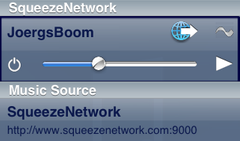 r or don’t want to run it 24/7, iPeng now also offers access to SqueezeNetwork. Just “swipe right” on the “NowPlaying” home screen and you will find it on the MultiPlayer Control along with any servers you might have. There is also a new button for each player that will connect or disconnect that player from SqueezeNetwork.
What does SqueezeNetwork offer with iPeng?
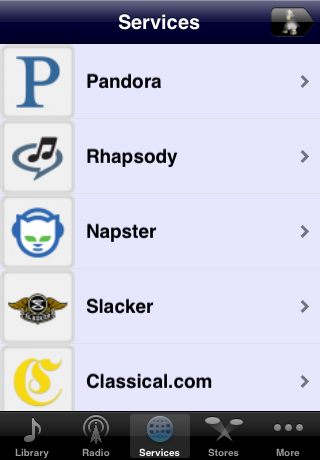
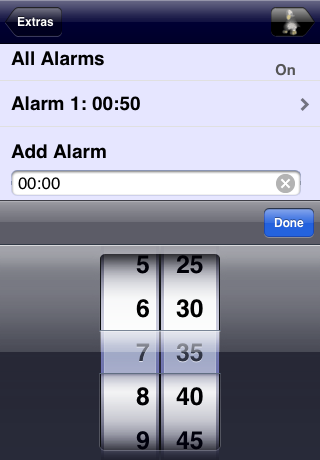
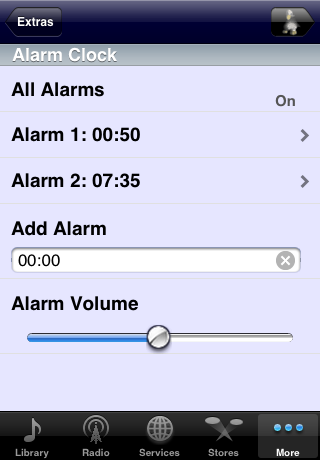
iPeng will support the full functionality of SqueezeNetwork, that is: Play internet radio, podcasts and music services, manage your favorites, and control your players. You will also be able to set alarms and this brings us to the second big change in iPeng 1.1…
Plugin Support
iPeng 1.1 offers support for the SqueezePlay menu system which allows it to support a lot of functionality as it would show up on a Squeezebox™ Controller or a SqueezePlay software player.
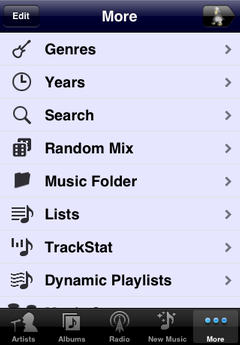
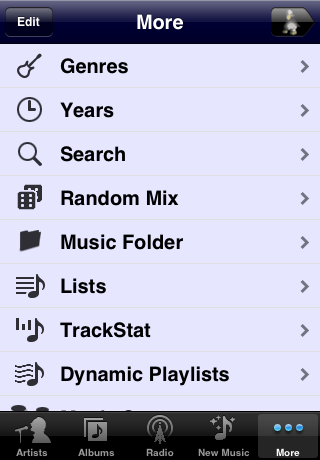
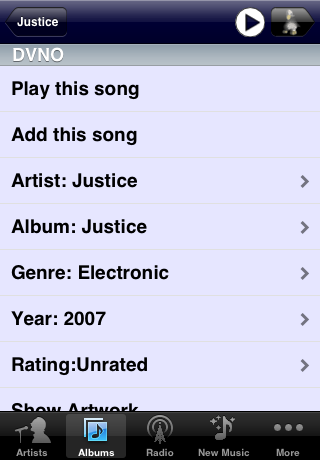
This open up iPeng to a lot of internal SqueezeCenter features that were not yet supported: Alarms, Sleep, Browse by Years, Random Mix, TrackInfo Details,… almost everything offered by SqueezeCenter will now be controllable on iPeng.
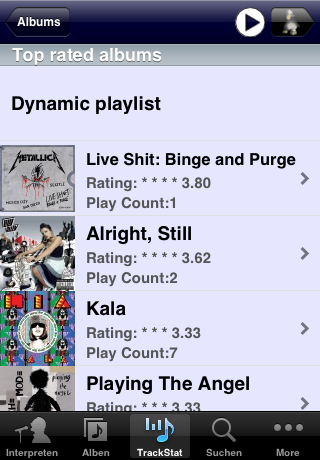
Yet it’s not limited to that, because using this interface, iPeng also has access to 3rd party plugins, so now you can define your own library queries using CustomBrowse, browse by statistics using TrackStat, get background information using Biography or Album Review, build custom mixes using MusicIP, it’s a whole world…
Performance Improvements
“Oh my, iPeng was such a nice app, now with all these new features it’s growing fat and slow…”
No!
It doesn’t, the opposite is true. iPeng’s internals have been completely re-done and use a faster protocol now but also, thanks to great support from Logitech we have been able to make iPeng cooperate better with recent versions of SqueezeCenter so if you use SC 7.3.2 or newer, iPeng will offer some notable performance improvements:
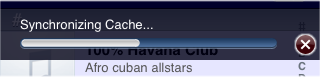
- Much faster loading of large databases. Our benchmark in the beta phase was for remote(!) access to a huge database with 247.000 tracks and 24.000 albums, iPeng was synchronizing this database in under 6 minutes! A small database with < 2.000 albums should load well below one minute. Note: This may also depend on your server; iPeng can not make up for slow server performance.
- iPeng now supports SqueezeCenter’s list sorting. This is not only a speed improvement but it also means that ALBUMSORT and ARTISTSORT tags or custom sort orders will be respected by iPeng. Your database will now show up in iPeng as it would in SqueezeCenter.
- New option to keep server connection open. This will allow you to get immediate access to your server once your iPhone comes out of standby without having to establish a server connection first. Note: this will use more power and can eventually drain your battery.
Along with these big changes, there’s a lot of small improvements that make the iPeng experience more feature rich and streamlined. Just upgrade or get your iPeng now on the App Store and…
Have Fun!