Penguin Loves Music

Penguin Loves Music

little penguin’s guide to playing music
  • Home
  • Coolio's blog
  • Reviews
  • iPeng App
  • iPeng Party
  • iPeng - the iPhone Plugin for SqueezeCenter
  • About/Contact
  • Coolio's Photo Album
Rss feed Subscribe

What’s up with native?

02:16 AM in Uncategorized 17 Comments

OK, it’s been a while since my last update and it hasn’t happened too much.

Reason is simple: Apple ran out of these cool 36-hour iDays so Coolio and I had to live along with that old, analog 24h version :-(

Along comes the big issue that MobileSafari for the time being tuned out too slow and too buggy to handle all the cool stuff I tried to include in the 0.6 skin/plugin version, so I had to drop that one :-(

OK, back to native.

Recently I DID finally find a bit of time to continue working on it and now it’s progressing a bit.

It still doesn’t do too much (just a menu placeholder and a NowPlaying screen) but there’s quite a bit of under-the-hood logic already in place so I actually see it progressing every day right now.

Given past experiences and uncertainty of supply for iDays I will NOT make any predictions on WHEN this is gonna come but I’ll keep you updated and given the current pace I think about a month more could get me something release-worthy.

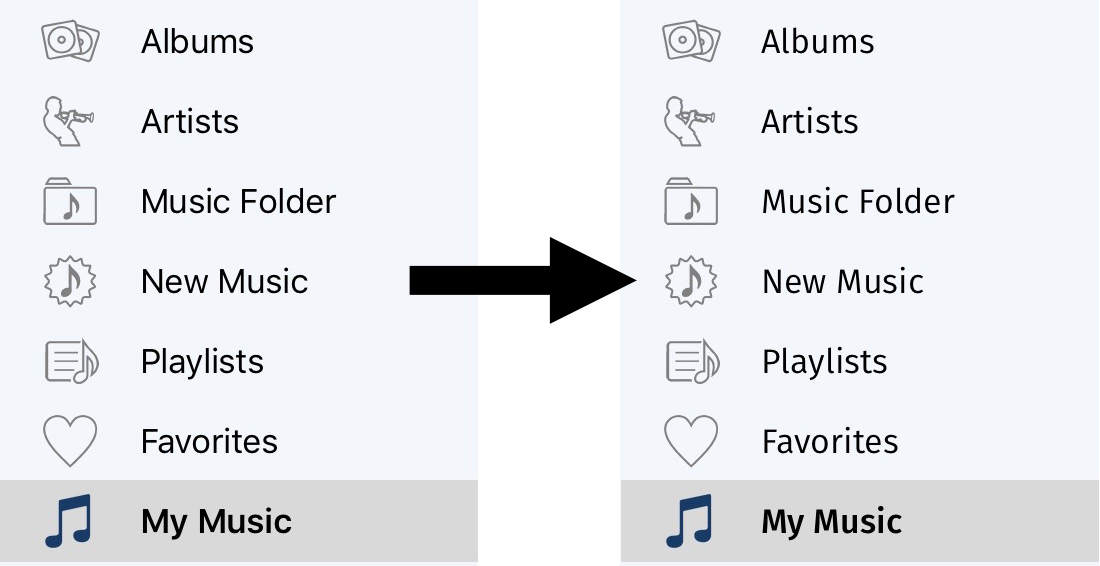
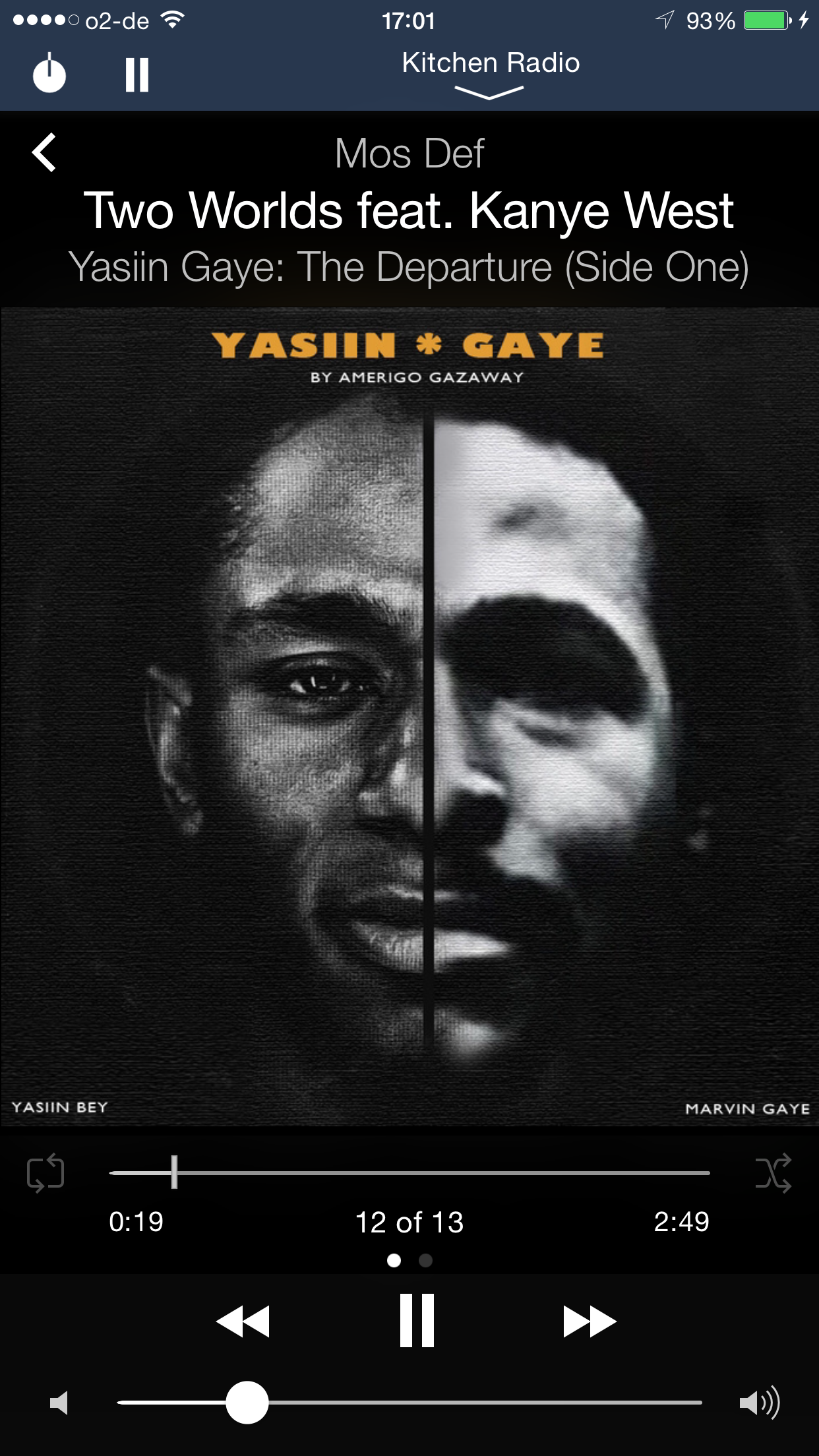
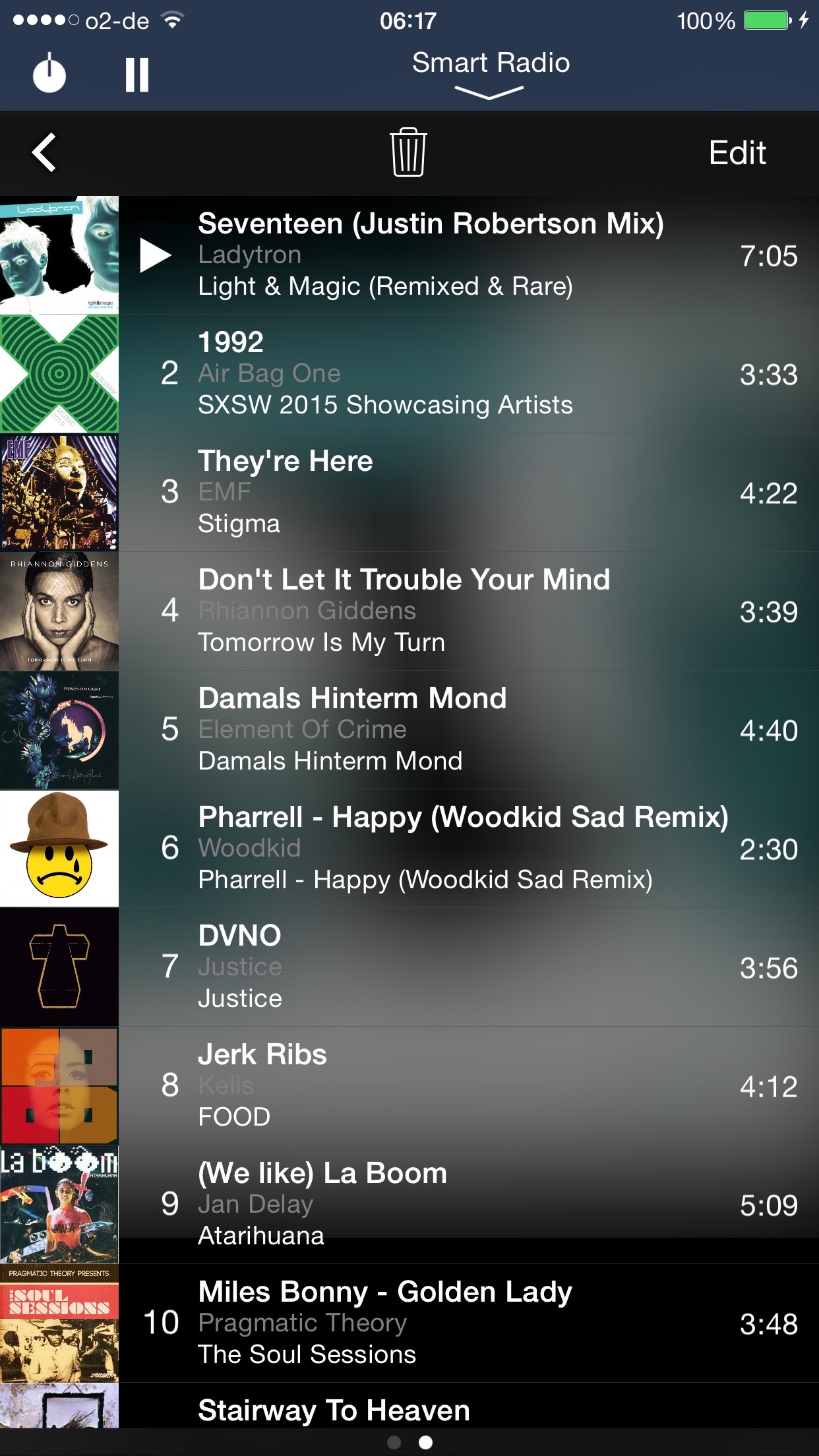
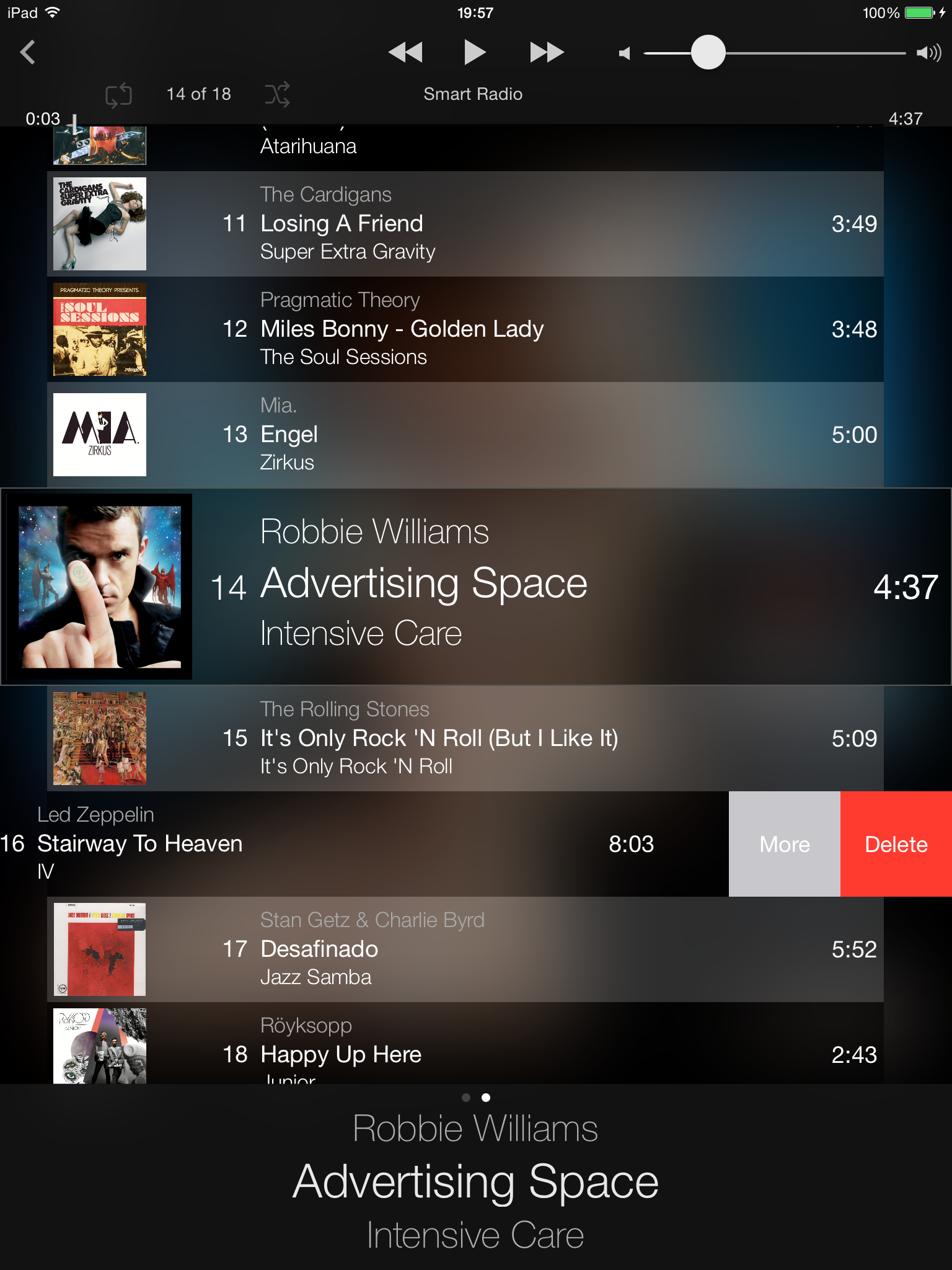
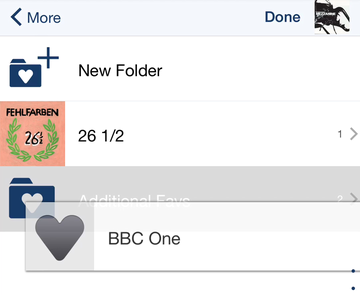
Coolio and I don’t get along without teasers, so here’s a screenshot of NowPlaying as it looks today. It may not be a lot, but at least I can say that everything you see there works already…

So now it’s up to you: spot the differences :-)

Playback update: How long does it play?

04:44 AM in Uncategorized Leave a Comment

When we released the new Playback feature the first question was “How long will the battery last”. Streamin application (not only) on the iPhone are notorious for their power consumption. And for the iPeng playback to work correctly, Auto-Lock has to be off, so the screen will always be powered on. So is it worthwhile?

To find an answer to that question I did some endurance testing today and it took me hours – which is what I had hoped it would ;-)

It looks like it pays off, that Apple does not provide for “real” streaming, but only for file playback – the tracks get transferred to the Phone or Touch in a few seconds and then there’s no more communication needed.

So here’s the result:

Test setup:

  • iPod touch (8GB) with FW 2.0 and iPeng 0.5.2
  • Auto-Lock switched to “off”, so the screen will stay on and the Touch will play continuously
  • Volume set to 50% (so this is more a “realistic scenario” as an “how long can it get if you max it out”
  • Brightness:50% and Auto “ON”
  • Test-Playlist: Mixed music tracks
  • Test process: Browse to playlist. Load playlist. Browse to Playback plugin. Start playback. Let it run.

Playback time: 5h 12min!

Now I feel that’s a good result. I had expected something like four hours, so more than five is quite good. And much better than the two hours of browsing I get on the device.

So: Happy listening!

“Stream” your database to your iPhone/iPod with iPeng!

04:32 AM in Uncategorized 8 Comments

Today we’ve got the first beta of a tool Coolio has been waiting for from the very beginning. It was his (and my) Christmas wish but now it came true in summer: “Stream” your library to iPhone/iTouch!

OK, it’s still early beta and has some “experimental” appeal, but it works.

What does it do? Well, you can’t stream mp3 streams to iPhone. Still not. But iPhone can play mp3s  on your server. So what iPeng does: it has a new NowPlaying plugin, called “iPeng Local Playback” that will give you your actual playlist as a set of mp3 files (no, you don’t see that, it’s just a playlist) and you can click them to play.

QuickTime will open and playback the track and all that follow.

Sounds cool? Is cool.

However, it’s still experimental, so it comes with some issues, which hopefully will be sorted out soon, but definitely for the native app:

  • You have to turn off the screensaver. That’s probably the biggest one. MobileSafari switches off event handling when the screen saver kicks in. The result of this is: the playlist will not advance after the currently playing track. A workaround is to unlock the screen saver manually after each track (iPeng will automatically advance the track then) but this is not fun. :-( We do have a good idea how to fix it, but it’s work. iPhone simply does not support this better right now.
  • The skip buttons in QuickTime don’t work but end the playback.
  • mp3 and AAC only. No transcoding on the server (yet). It’s being worked on…
  • You still need a player connected to the server. SqueezeCenter can only manage a playlist for a player, so you need one. Can be a computer (through the mp3-stream) or SoftSqueeze (which comes with SqueezeCenter), but it’s needed. I filed an enhancement request so hopefully this will also be sorted out soon.
  • The Quicktime Control acts somewhat erratically on the screen. It will sometimes overlay the top menu bar. This seems to be an Apple bug. Don’t know, if they’ll fix it. It doesn’t look good, but it does not kill any functionality, just swipe away the Playback page and it will go away, too.

Why so late? Logitech had to do an enhancement to the SqueezeCenter server. They did this for the latest beta now, so here we are.

So how does it work?

  1. Download and install the latest beta of SqueezeCenter 7.1 (build 21902 or later)
  2. Download the iPeng 0.5.2 file from the Downloads page
  3. Install it. If you’ve got iPeng 0.5.1 (only that one) installed, you can install it over the old version and use it right away, no need to restart the server. To update from older version see Installation.

Have fun!

iPeng for iPhone 2.0 / 3G is there!

08:49 PM in Uncategorized 27 Comments

So, after a busy weekend doing some final fixes here’s the first version of iPeng for iPhone 2.0 / 3G (and iTouch 2.0, of course).

It finally will be a completely rewritten plugin, but for now, only some of the new stuff is ready, but it is already fully compatible to iPhone 2.0.

What’s new?

All of the current changes are on the NowPlaying screen (where they were needed most):

Smooth Scrolling:

  • The different pages on the NowPlaying screen now can be scrolled in and out like the Pages of the Springboard.
  • You don’t need to do “two finger scrolling” to move around content pages or the playlist. We’ve all waited for this, haven’t we

Seamless Volume and “Elased Time” controls

  • In former iPeng versions, you could click on the volume bar to select a volume. This was a bit inexact. Now you can drag the volume handle.
  • While dragging, the current volume will permanently alter, so you can hear whether it’s what you want
  • An extra overlay will show the current volume level, in case you like it VERY exact.
  • For “Elapsed Time” this will show the time into the track. But no, no immediate update here, of course, your track stays on until you release the handle

And last but not least: Drag’n'Drop reordering of the Playlist

  • No more clicking between tracks to change their order.
  • Just touch and hold a track for more than 1.5s and it will be “elevated”. Now you can drag it along the list and drop it into the place where you want it to be.
  • COOL!

So. Have fun. Send fish. And wait for more to come ;-)

Coolio visits WWDC

01:54 PM in Uncategorized Leave a Comment

Some news from Coolio after a while.

He recently went to California to visit Apple’s WWDC (Worldwide Developers Conference) for you. And after getting a few penguin full of fish out of the Pacific ocean (OK, he’s a lazy guy, he let the fishermen get it out of the ocean for him), he attended the conference to see what new is there on the iPhone and iPhone native apps.

What he learned was really cool, even though the weather was rather hot (form him). Native apps on iPhone perform well but also the web interface improved a lot. So Coolio convinced me, to give the web based plugin another try and improve that first. What comes out of this will be available together with Apple’s 2.0 Software on July 11th and it is quite amazing stuff. Looks like this solves a LOT of iPeng’s current performance issues and let’s this really look a lot like a native app while still retaining all the flexibility of a web page.

So look forward to July 11th, and expect a new release with cool improvements. Best of it right ahead: No more “two finger scrolling”

Cheers!

iPeng 0.4.5 “So Many Penguins”

12:23 AM in Uncategorized Leave a Comment

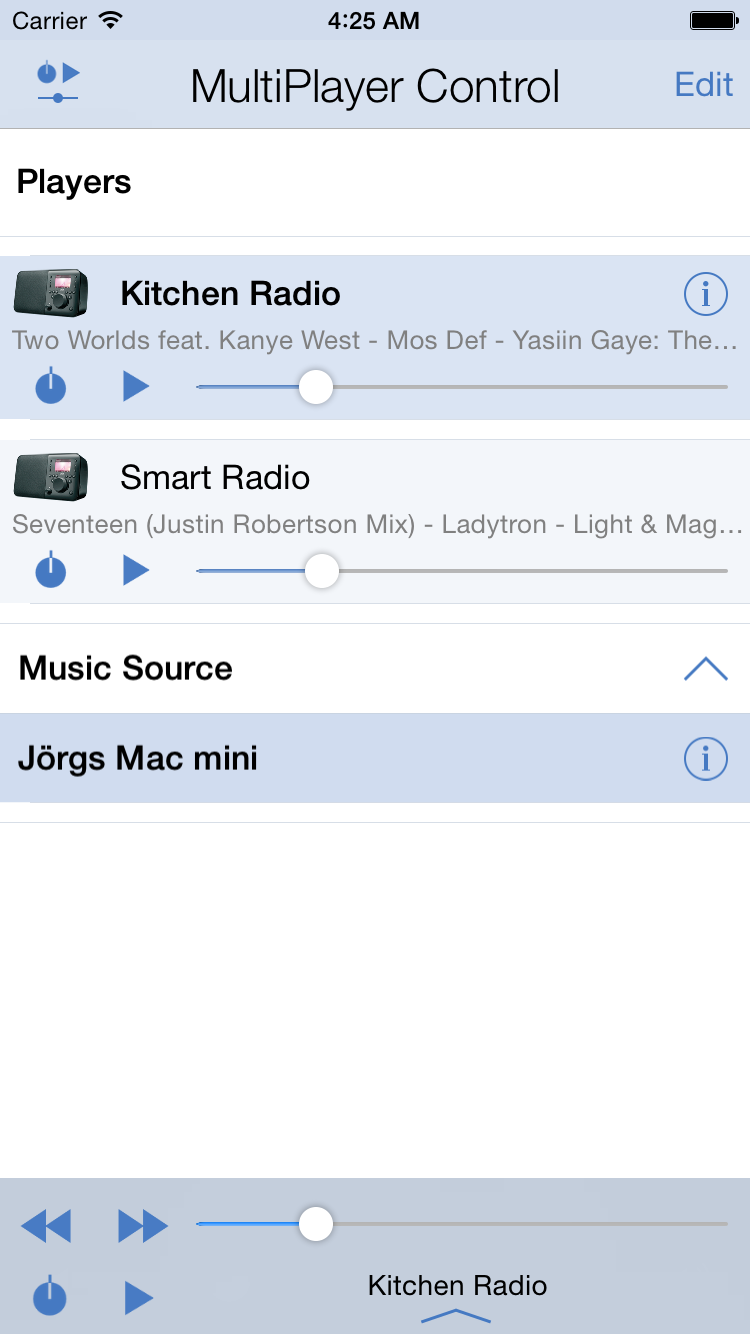
iPeng 0.4.5 is out and it’s a feature update that makes iPeng much more usable. And it’s for all those, who have many players. It features a unique “MultiPlayer” Control that let’s you control all your players in one place and sync/un-sync with ease.

Read more in the Release Notes.

iPeng 0.4 – Arctic Spring

02:52 PM in Uncategorized Leave a Comment

Back for a cool time in spring: iPeng 0.4 is out and comes with a icebreaker load full of changes and improvements.

Coolio did lots of testing and bitching about details, so a lot has changed. Also, Coolio convinced Erland Isaksson (he’s really sympathetic to people from those cool countries) to write him a a supporting plugin that opens up a strait to plenty of new features.

So what has changed?

First of all: iPeng is no longer a skin, but a plugin. Apart from having to be installed in a different directory, that gives the opportunity for localizations, so iPeng menus and strings can be translated. Right now, it only has English and German localizations, but we’re happy to admit translations in other languages ;-

Being a plugin, there can also be configuration options, and they are used to support two distinguishing features iPeng 0.4 provides: NowPlaying plugins and configurable toolbars.

Configurable Toolbars

Configurable toolbars: There was lots of feedback of the kind: “Can’t I get a Search button, New Music button, whatever button on the toolbar?” Now iPeng let’s you configure these yourself, comes with a variety of additional buttons, allows plugins to register their own buttons plus allows you to define your own by means of a simple xml file logic. So anything that can be reached in iPeng through the CLI, JavaScript or a URL can be put on a toolbar button!

Just to give a small example: the “Player control” toolbar that would mimic the NowPlaying screen toolbar:

Toolbars can be context specific, so a plugin could offer commands, that only make sense within the context of the plugin. One example for this are the “home” screen commands (Internet Radio, Alarm, Sleep) that get you directly to the respective page on the home screen but are not available from other screens.

NowPlaying Screen

Another part that has been completely reworked, is the “NowPlaying” screen. Most of this will go unnoticed, but some features are quite prominent:

The Swipe

Former versions of iPeng had a little button in the top right corner of the NowPlaying screen to switch between the cover art view and the playlist view. Now, there’s a page indicator instead that shows you where you are since it’s no longer only two pages that can be used on NowPlaying screen:

Now, theoretically you can click on each of the dots to go directly to one of those pages, and actually that’s what you will have to do when using iPeng on a PC or a Mac, on iPhone iTouch, however, there’s a more elegant way: just swpie the page to the left or the right to change back and forth like browsing through a book. A feature not seen before on iPhone webapps.

The Plugin Screen

What made this necessary, was the plugin screen. You reach it with a right swipe and it is a way to let plugins add NowPlaying specific commands and information. If it’s information, it will be shown in another (fourth) page. And the best thing is, these pages get updated depending on context, so they can be used to show track specific information.

An example, that comes with iPeng is the SongInfo Command. It shows the SongInfo details presented by the other skins upon clicking a track.

Other examples that come with iPeng 0.4 but require external plugins are Biography (shows the Bio of the artist for the current track), Album Info (same for Album Info) and MusicIP (creates a MusicIP mix based on the current track).

More will be available shortly with upcoming releases of Erland’s CustomBrowse plugin.

The Landscape Mode

Another feature tried out in the experimental versions of iPeng 0.3x that now comes with 0.4 is the landscape mode. While browsing an album view (that is: one that has cover art), just turn your iPhone to the side and it will re-load the page with big artwork in a landscape layout.

Note: This is somewhat of a gimmick, it will take much longer to load than the standard scree due to the large artwork. Also, the album view will have to be loaded to switch, so moving your iPhone while the screen still loads or while you are on another scree will not result in the desired effect.

Other Changes

Apart from this there is a load of other changes:

  • The Start screen now aggregates Internet Radio and MusicServices into one Menu Item. This is something I did for Coolio who just wouldn’t learn the difference and always try to look up station in the wrong menu first
  • If you use CustomBrowse it does the same to Music Library and Browse more and shows CustomBrowse on the Main Page instead.
  • RandomPlay is now supported
  • The Browse Pages now do not cut filenames by themselves but use iPhone’s browser feature for this, so you will no longer end up with filenames that were cut short even though there was still space left in the row.
  • BrowsePages use AjaxUpdate to load the next page so you will not end up seeing an empty load page while waiting for the next page to show up but stay on the current page.
  • Numerous details improvements and bug fixes.

Have fun!

Using the iPeng Command

07:29 AM in Uncategorized Leave a Comment

There are two ways to use the iPeng command.

XML File Configuration

The simple one is to just generate an XML file for the command.

You can add your own customized commands by creating a XML file that follows the specification described in the XML Interface Data Specification below. The XML file needs to have the extension .ipeng.xml and must be stored in the directory you have specified in the iPeng section of SqueezeCenter Settings.

Plugin Registration

The alternative way is to register the plugin directly

A plugin can register one or several commands, the attributes specified by the plugin is the same as those described in the XML Interface Data Specification section below. There are three different functions that can be used by a plugin when registering commands:

  • Plugins::iPeng::Plugin::addSubSection
    Registers a new sub section, this needs to be used if you like to set a name or sorting order of the plugin specific sub sections you are going to use when registering commands. If called twice for the same sub section, this function will update the existing sub section with new values.
  • Plugins::iPeng::Plugin::addCommand
    Registers a single command in the specificed section and sub section. If called twice for the same command this function will update the existing command with new values.
  • Plugins::iPeng::Plugin::deleteCommand
    Removes a previously registered command from the specified section and sub section.

A typical plugin would register its commands in the initPlugin function by calling addSubSection once for each sub section used by the plugin and addCommand once for each command that should be registered. Typically there is no reason to call the deleteCommand, the reason it exists is if a plugin likes to have dynamic commands that disapears due to some configuration or state change in the plugin, you don’t need to call deleteCommand when shutting down the plugin.

The following code shows an example how you register a new sub section and add command to it:

# Only perform the registration if the iPeng plugin is installed
if(UNIVERSAL::can("Plugins::iPeng::Plugin","addCommand") && UNIVERSAL::can("Plugins::iPeng::Plugin","addSubSection")) {
    # Prepare sub section registration data
    my %subsection = (
        'weight' => 10,
        'name' => 'CB Info',
    );
    eval { Plugins::iPeng::Plugin::addSubSection('nowplaying','custombrowse',\%subsection) };
    if ($@) {
    $log->warn("Failed to register iPeng command:\n$@");
    }
    # Prepare command registration data
    my %command = (
        'weight' => 10,
        'name' => 'Song Info',
        'icon' => 'html/images/infobutton.png',
        'url' => 'plugins/CustomBrowse/custombrowse_contextheader.html?hierarchy=group_track&contexttype=track',
        'type' => 'content',
        'parameters' => {
            'id' => 'contextid',
            'title' => 'contextname',
            'player' => 'player',
        },
    );
    # Register the new
    eval { Plugins::iPeng::Plugin::addCommand('nowplaying','custombrowse','custombrowse_songinfo',\%command) };
    if ($@) {
    # Something went wrong
    $log->warn("Failed to register iPeng command:\n$@");
    }
}

Command Usage

The use of the ipeng command is not limited to iPeng itself. As long as the plugin is installed, any application can use it by calling

ipeng commands <section>

through CLI or JSON/RPC interfaces (please refer to the SqueezeCenter documentation if you don’t know what that is).

As a result, iPeng will deliver an array of interface data as described in the XML specification

<ADD MORE SPECIFICS>

Changes in iPeng 0.3

07:50 AM in Uncategorized Leave a Comment

(0.3.11 is probably the last experimental 0.3 release. It fixes some swipe issues of 0.3.10 and otherwise has a completely rewritten NowPlaying screen (although it may be hard to notice). Differences are in lots of details on NowPlaying: the plugins on the left swipe page now are automatically updated when the track changes (Songinfo does not yet work!), the current track automatically centers into view when you did not scroll that page for 20-30s, the playlist table doesn’t collapse anymore, some things should be faster than before, but loading of NowPlaying is not cache optimized, yet. Now playing should lose connection to the server less often (not show “empty playlist”) etc. etc.

Major usability change is that the button in the top right corner got removed by a dot indicator showing which page you are on. Use swipe to switch between pages. If you have very small fingers you can also click the dots directly but that feature is intended for desktop use.

Plugin API changed.)

(0.3.10 is another experimental release. It fixes some bugs when used with CustomBrowse and MusicIP. The most important new feature is a new “left and right” swipe mode to switch views on the NowPlaying screen that also brings a new overlay for Plugins. This is currently experimental and only works with AlbumReview and Biography and also needs Erland Isaksson’s iPengSupport plugin. Apart from this it has Ajaxed Browse Screens, that is, you will not see a blank screen while waiting for the next page to load. Also, loading is a little bit faster this way.)

(0.3.9 adds experimental landscape view for “Album” and “Year” view (that is: ALL of these views including e.g. the “all albums of a particular artist” view. Just turn the iPhone or iPod into landscape orientation while on the screen. Be warned: loads lots of artwork, so probably not fast.)

(0.3.8 has some minor changes regarding header rendering and adds a skin for the LastFM/Squeezescrobbler plugin. NOTE: This does NOT work with SqueezeCenter’s native Last.fm plungin, the latter does not work with the current LastFM API)

(0.3.7 is the stable release to follow 0.3.4. It has the speed improvements introduced with 0.3.5 plus various bug fixes and usability enhancements, see below. 0.3.7 comes with a customized version of the prototype library and does NOT support Internet Explorer and Opera.)

(0.3.5 has significant code refactoring that should speed up the use of iPeng since a lot of the code can be cached. Effect should be most significant for NowPlaying Screen and “Home” menu. Only other difference is that NowPlaying playlist automatically centers on currently playing track)

(0.3.4 adds Webclip icon for Firmware 1.1.3)

(0.3.3 adds “Home” button on NowPlaying screen – If you don’t like that stick with 0.3.2, it’s the only change)

(0.3.2 adds cover and elapsed time Display for Pandora and LastFM on NowPlaying)

(0.3.1 adds missing playlist.html)

Usability:

  • Enhanced browsing features, especially for long lists:
    • Alphabet-Links within a page work immediately now.
    • Added quicklinks to jump to top and bottom of page to alphabet headings
  • Re-Worked “Play” functionality. Did not work as expected in non-standard cases. Behavior now defined as:
    • Clicking an Album Cover will play the complete Album, if possible
    • Clicking a Song will play the Album from that song in all but Music Folder and Playlist View
    • Clicking a Song in Playlist View will play the complete playlist from that song
    • Clicking a Song in Browse Music Folder View will Play the Folder Content from that song, if the folder does NOT contain descending folders
    • In all other cases clicking a song will play only that song.
  • No two-finger padding on all Main Menu pages (yet stays on NowPlaying Screen)
  • Cover Display for Pandora, LastFM, probably other internet radio and music dervices (0.3.2)
  • Elapsed Time Display for Pandora, LastFM and probably other internet radio. Does not work with and gives erroneous times for Shoutcast (0.3.2)
  • “Home” button on NowPlaying Screen (0.3.3)
  • Webclip Icon for iPhone/iPod Firmware 1.1.3
  • NoPlaying Playlist now scrolls current track into view (0.3.7)
  • Returning to InternetRadio browse pages now works (0.3.7)
  • Significant speed enhancements due to caching optimization, especially for NowPlaying and Home screens. (0.3.7)

Added Functionality:

  • Alarm Function (under “Extras”) to manage Alarms
  • Sleep Function (also under “Extras”)

Changes from unstable releases since 0.2e are included:

  • TrackStat support in NowPlaying Screen
  • Synchronization
  • “Current Playlist” control on all browse pages
  • Plugin development interface
  • Playlists have a “Play” instead of an “Add” button

Known Issues:

  • Playlist editing does not work with recent builds of SqueezeCenter due to changes in SqueezeCenter.Playlist editing on NowPlaying screen and Playlist Saving, Browsing, Clearing and Renaming works.

iPeng Webclip for iPhone/iTouch Firmware 1.1.3

03:28 PM in Uncategorized 6 Comments

Here’s a new feature for iPeng fans: get Coolio as an icon onto your iPhone desktop.

You could already do that on a jailbroken phone/pod using iPhone Apper, but with Apple’s 1.1.3 firmware it works right out of the box. All you need to do is: install iPeng 0.3.4 (note: this is the only difference to 0.3.3). If you load the iPeng homepage now, you can add a webclip using the little “+” on the lower Safari control bar (between the “forward” and “bookmarks” icons). It will show a nice Coolio icon and you don’t have to use a bookmark anymore to access your server.

« Previous Page — « previous entries  
next entries » — Next Page »
  • Pages

    • Home
    • Coolio’s blog
    • Reviews
    • iPeng App
      • User’s Manual – How to use the iPeng Application
        • General Usability
        • NowPlaying
        • Setup and Configuration
        • Frequently Asked Questions
        • How to use iPeng 1.1
    • iPeng Party
    • iPeng – the iPhone Plugin for SqueezeCenter
    • About/Contact
      • LGPL 2.1
      • The Story
    • Coolio’s Photo Album
  • Recent Posts

    • Spring Refresh for iPeng
    • (Slowly) Say Goodbye to iOS 3
    • iPeng goes iOS5
    • More Music Services Anyone?
    • 1.3.5/1.1.5 Updates On the App Store
  • Language

    • English
    • Deutsch
  • Archives

  • Coolio's Friends

    • bliss – Album Artwork Finder
    • digital highend
    • Erland’s Plugins
    • Logitech(R)
    • Michael’s Slim Stuff
    • SlimDevices Forum
  • iPeng Development

    • Report Bugs / Suggest Features
    • Roadmap
  • Meta

    • Register
    • Log in
    • Entries RSS
    • Comments RSS
    • WordPress.org

© 2007 Penguin Loves Music - SafiTech Theme

Full RSS - Comments RSS